How to Choose the Right Type-C Port Accessories for Your Phone
 By
/ July 19, 2025
By
/ July 19, 2025 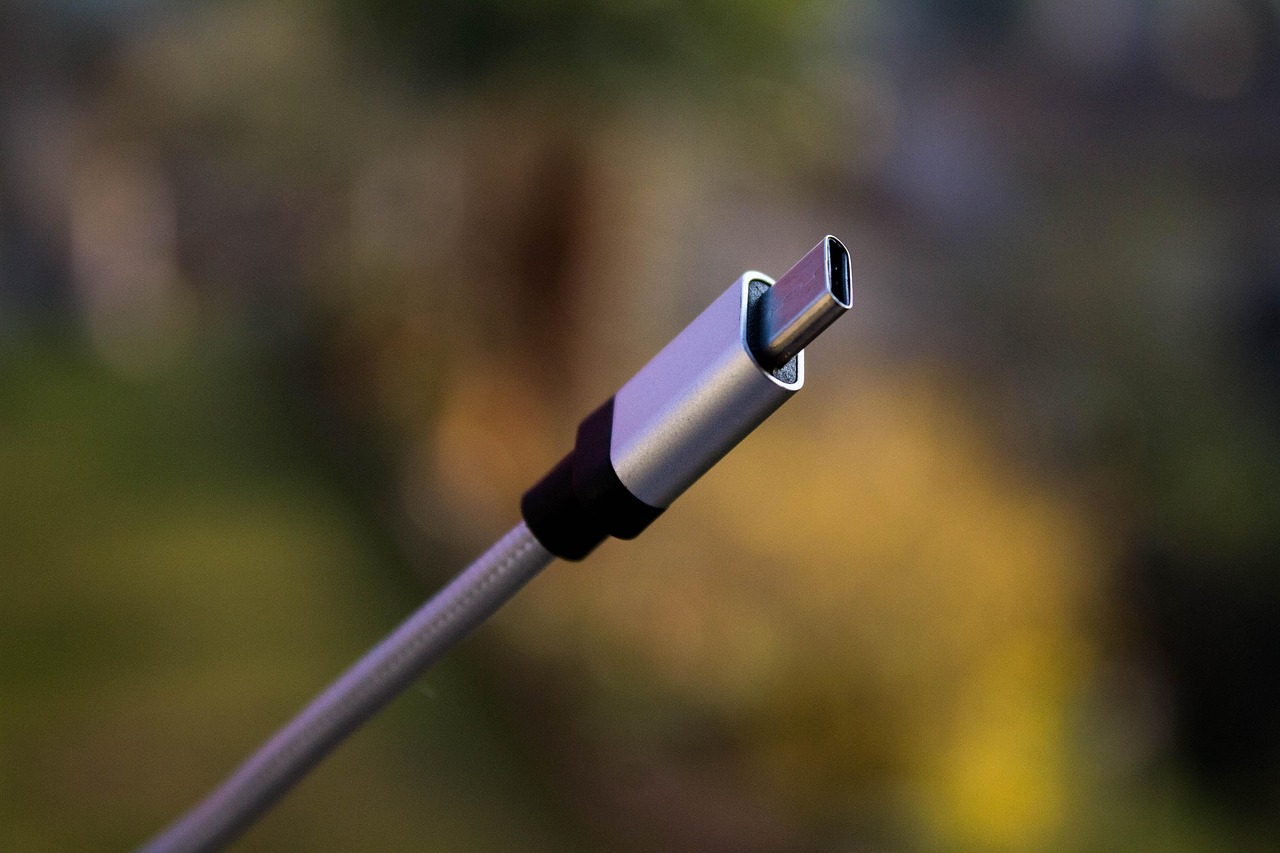
Published by TN Mobile Stores | Negombo, Sri Lanka
In the world of modern smartphones, USB Type-C ports have become the standard for charging and data transfer. But while the port may be universal, not all Type-C accessories are the same.
At TN Mobile Stores, we often see customers facing issues like slow charging, overheating, or damaged ports — all due to using the wrong cable or charger. That’s why we’ve created this guide to help you choose the right Type-C accessories for your phone.
1. Understand Your Phone’s Charging Speed
Every phone supports different fast charging standards. For instance:
- Mid-range models support 18W to 25W charging.
- Premium models like Samsung S series or Xiaomi 12 Pro support 45W or more.
- Brands like OnePlus and Realme support SUPERVOOC or Warp Charge up to 100W.
TN Mobile Stores Tip: Always match your charger’s wattage with your phone’s maximum supported speed. Using a lower-watt charger will slow down charging, while using an incompatible charger may affect long-term battery health.
2. Look for Certified and Branded Cables
Not all cables labeled “fast charging” deliver what they promise. Always check for:
- USB-IF Certification
- Power Delivery (PD) or Quick Charge (QC) support
- Reputable brands like Anker, Baseus, UGREEN, or original OEM cables
At TN Mobile Stores, we carry only trusted and verified Type-C accessories so you don’t have to worry.
3. Build Quality Is Essential
When selecting a cable, focus on materials and construction. A good Type-C cable should:
- Be braided or reinforced to resist wear and tear
- Have solid connectors that stay secure in your phone
- Offer protection against overheating and voltage spikes
Cheap cables may work briefly but could damage your port or battery over time.
4. Charging-Only vs. Charging + Data Cables
Not all Type-C cables support data transfer. Here’s the difference:
| Feature | Charging Cable | Charging + Data Cable |
|---|---|---|
| Fast Charging | Yes | Yes |
| File Transfer | No | Yes |
| Use Case | Simple Charging | Laptop Connection, Backups |
| Price | Lower | Slightly Higher |
If you often transfer files or back up data, make sure your cable supports USB 3.1 or 3.2.
5. Choose the Right Cable Length
Cable length matters depending on where and how you charge your phone.
- 1 meter – Best for everyday desktop or bedside use
- 1.5–2 meters – Ideal for cars, beds, or extended charging areas
- Short cables – Great for travel, power banks, or tight spaces
TN Mobile Stores Tip: Longer cables require better materials to maintain voltage and speed.
6. Use a Compatible Charger
Charging standards vary across brands. Here’s a quick reference:
| Phone Brand | Charging Tech | Recommended Charger |
|---|---|---|
| Samsung | Super Fast Charging | USB PD 3.0 / PPS |
| Xiaomi / Redmi | Turbo Charge | QC 4.0+ or USB PD |
| OnePlus / Realme | Warp / SUPERVOOC | Original or VOOC Charger |
| iPhone (latest) | PD Supported | Apple 20W+ USB-C PD |
TN Mobile Stores stocks all major charger types, including brand-original and high-performance third-party options.
Why Choose TN Mobile Stores?
Located in Negombo, TN Mobile Stores is your trusted destination for high-quality mobile accessories. When it comes to Type-C accessories, we offer:
- Certified & Tested Cables and Chargers
- Retail and Wholesale Availability
- Affordable Pricing
- Expert Advice Tailored to Your Device
Need Help Choosing?
If you’re unsure which Type-C accessory is right for your device, our friendly team is here to help.
Visit us at:
TN Mobile Stores, Negombo, Sri Lanka
Call us: 0754677752
Don’t risk your device with low-quality accessories.
Choose TN Mobile Stores for genuine, safe, and high-performance mobile accessories.